
For the DadsWho Do.
Start today and get 3 books for just $3 in your first month. After that, you’ll get one book a month at the regular price. Shipping is always free. Cancel anytime.
Get Started$45$3 for 3 books + free shippingFor the DadsWho Do.
Start today and get 3 books for just $3 in your first month. After that, you’ll get one book a month at the regular price. Shipping is always free. Cancel anytime.
A Year of Memories, One Month at a Time
Here’s how a year of his life becomes a book.

Capture your everyday moments throughout the month
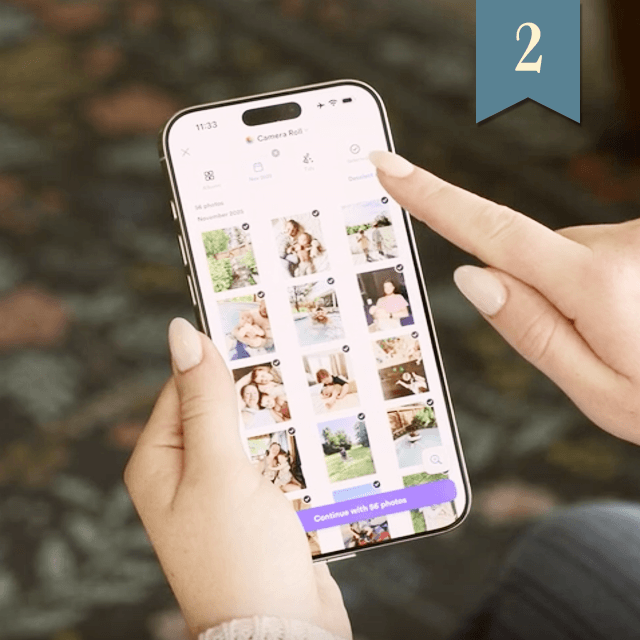
Review + add your favorites to your book at the end of each month
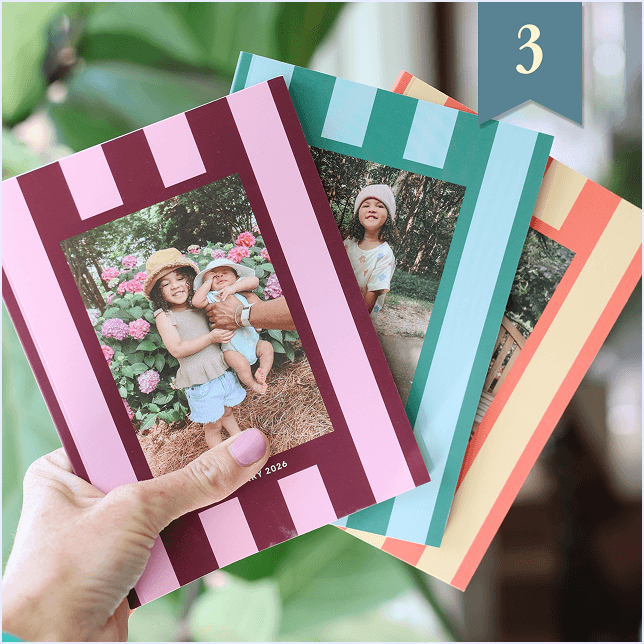
Receive a monthly photo book—and collect a whole year!
A 60-page book of your family’s life, delivered every month.

Effortless, on Purpose.
We built this for moms who don’t have an extra hour. Or even an extra ten minutes.

Start from any date you choose

We sort your photos automatically by month

Customize with text pages and captions
Join over
1 Million Happy Customers
4.8 • 201.5k
Thousands of Families Are Already Doing This for Dad
Even if it’s just a day at the park, or a funny face at breakfast, it’s worth remembering. And it’s already on your phone.

“My son refers to them as his books, like he’s the author. When I ask him to pick books for bedtime, he chooses these. We’re big fans.”
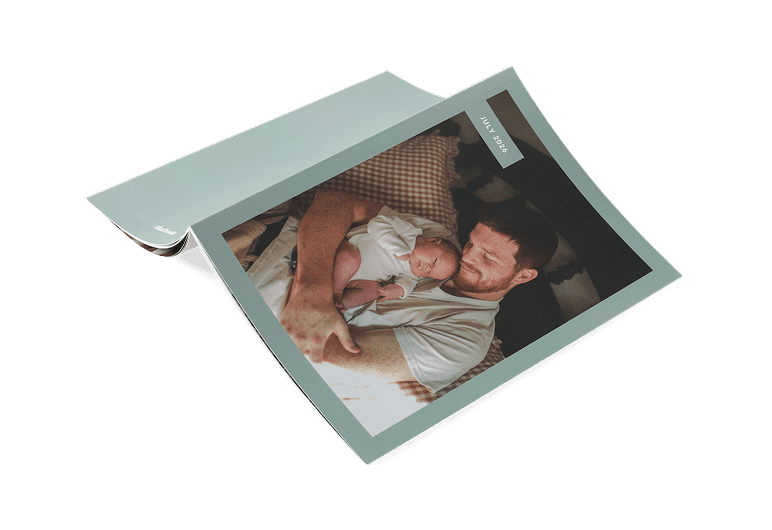
“These have become a staple in our house. They keep me accountable for getting my pictures printed. My kids look at these every day.”

“I can’t tell you what a huge part of our family Chatbooks are! I’m so thankful, and it makes it so easy for me.”
He’s been there for everyone all year.
This one’s for him.

Chatbooks Promises

No fake discounts, no funny business — just fair prices, all day every day.

Paying for shipping? Not you! Enjoy FREE standard shipping, always.

If your kid loves your Chatbook too much, we’ll replace it for free!
FAQ
1. Pick the Plan for you
Select Monthbooks for softcover photo books that are delivered monthly.
2. Create and Customize
Once your plan is selected, head to the ‘My Books’ tab in the app to start creating your photo books. Use the ‘filter’ tool to hide screenshots, show high-resolution pictures, and select a date range. Add captions and borders to your heart’s desire.
3. Send to Print and Enjoy
Once your photo book is to your liking, simply tap the ‘Send to Print’ button and your book will be sent to print and ready for you to enjoy.